
What is Walnut? Empowering Sales Teams to Own Their Demos
In the fast-paced world of sales, the ability to deliver compelling product demonstrations can make or break a deal. Walnut is a revolutionary platform designed to empower remote and inside sales leaders to take control of their demos, enabling them to become outstanding storytellers without relying on back-end teams such as product, R&D, and design. With its codeless and failure-free approach, Walnut dramatically increases conversion rates and enhances the overall sales process. In this article, we will explore the features, benefits, and best practices for leveraging Walnut to elevate your sales strategy.
Understanding Walnut: The Basics
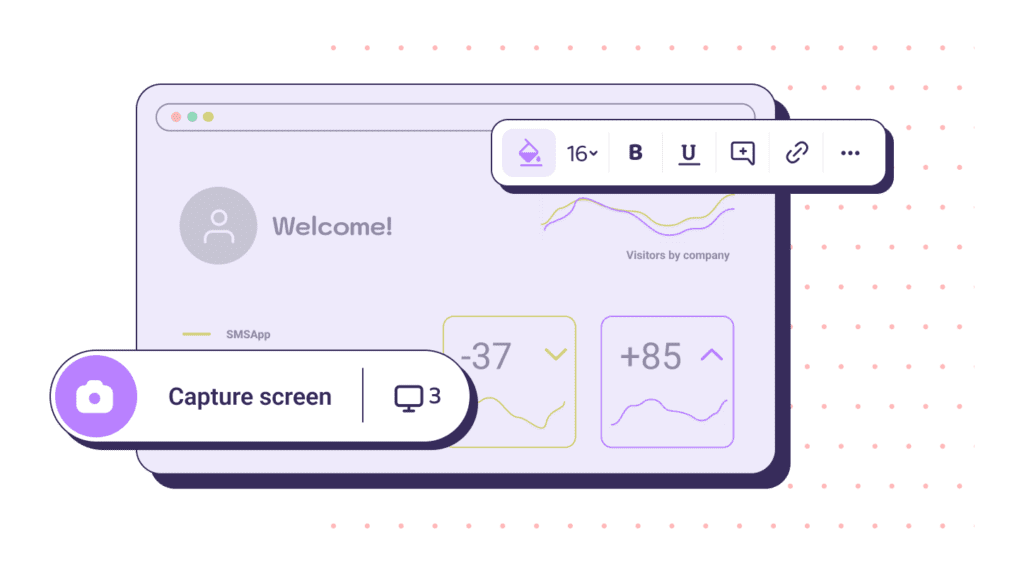
Walnut is an innovative sales enablement tool that allows sales professionals to create, customize, and deliver interactive product demos with ease. By providing a user-friendly interface and powerful features, Walnut enables sales teams to showcase their products effectively, engage prospects, and ultimately drive conversions. The platform is designed to eliminate the bottlenecks often associated with traditional demo processes, allowing sales leaders to focus on what they do best: selling.
Key Features of Walnut
Walnut offers a variety of features that set it apart from other sales enablement tools:
Codeless Demo Creation: With Walnut, sales professionals can create interactive demos without any coding knowledge. This codeless approach empowers sales teams to build and customize demos quickly, ensuring they can respond to prospects’ needs in real-time.
Interactive Storytelling: Walnut enables sales leaders to craft engaging narratives around their products. By incorporating storytelling techniques, sales professionals can connect with prospects on an emotional level, making their presentations more memorable and impactful.
Customizable Templates: The platform provides a range of customizable templates that allow sales teams to tailor their demos to specific industries, use cases, and customer needs. This flexibility ensures that each demo resonates with the target audience.
Analytics and Insights: Walnut offers robust analytics tools that track user engagement and performance metrics. Sales teams can gain valuable insights into how prospects interact with their demos, allowing them to refine their approach and improve conversion rates.
Seamless Integration: Walnut integrates with popular CRM and sales tools, making it easy to incorporate demos into existing workflows. This integration streamlines the sales process and enhances overall efficiency.
Why Use Walnut for Your Sales Team?
Empower Sales Leaders
Walnut empowers sales leaders to take ownership of their demos, reducing reliance on back-end teams. This autonomy allows sales professionals to create and customize demos that align with their unique selling styles and the specific needs of their prospects. By enabling sales teams to control the demo process, Walnut fosters a sense of ownership and accountability that can lead to improved performance.
Increase Conversion Rates
The ability to deliver engaging and interactive demos is crucial for driving conversions. Walnut’s codeless and failure-free approach allows sales teams to create high-quality demos quickly, ensuring they can respond to prospects’ needs in real-time. By providing a seamless and engaging experience, Walnut helps increase conversion rates and close deals more effectively.
Enhance Storytelling Capabilities
Storytelling is a powerful tool in sales. Walnut enables sales professionals to craft compelling narratives around their products, helping them connect with prospects on an emotional level. By incorporating storytelling techniques into their demos, sales teams can create memorable experiences that resonate with their audience and drive engagement.
Streamline the Sales Process
Walnut’s seamless integration with existing CRM and sales tools streamlines the sales process, allowing teams to incorporate demos into their workflows effortlessly. This integration enhances overall efficiency and ensures that sales professionals can focus on what they do best: selling.
How to Get Started with Walnut
Getting started with Walnut is simple and straightforward. Here’s a step-by-step guide to help you begin your journey toward more effective sales demos:
Step 1: Sign Up for Walnut
Begin by signing up for a Walnut account. The platform offers various pricing plans, including a free trial, allowing you to explore its features before committing.
Step 2: Explore the Dashboard
Once you’ve created an account, familiarize yourself with the Walnut dashboard. The user-friendly interface makes it easy to navigate and access the various features available.
Step 3: Create Your First Demo
With Walnut, creating a demo is a straightforward process. Choose a customizable template that aligns with your product and target audience. You can easily add interactive elements, such as buttons and links, to enhance the user experience.
Step 4: Incorporate Storytelling
As you build your demo, think about how you can incorporate storytelling techniques. Craft a narrative that highlights the benefits of your product and addresses the specific pain points of your prospects. This storytelling approach will help you connect with your audience on a deeper level.
Step 5: Test and Refine
Before presenting your demo to prospects, test it to ensure everything functions correctly. Gather feedback from colleagues or peers to identify areas for improvement. Refining your demo based on feedback will enhance its effectiveness.
Step 6: Present and Analyze
Once you’re satisfied with your demo, it’s time to present it to prospects. After the presentation, use Walnut’s analytics tools to track user engagement and performance metrics. This data will help you understand how prospects interacted with your demo and identify areas for improvement in future presentations.
Best Practices for Using Walnut
To maximize the effectiveness of your demos, consider the following best practices:
Know Your Audience
Understanding your audience is crucial for delivering effective demos. Research your prospects’ needs, pain points, and preferences to tailor your presentation accordingly. This knowledge will help you create a more engaging and relevant demo.
Keep It Interactive
Incorporate interactive elements into your demos to keep prospects engaged. Use buttons, links, and other interactive features to encourage exploration and participation. An interactive demo fosters a more engaging experience and helps prospects retain information.
Use Clear and Concise Language
When presenting your demo, use clear and concise language. Avoid jargon and technical terms that may confuse your audience. The goal is to communicate your message effectively and ensure that prospects understand the value of your product.
Practice Your Delivery
Rehearse your demo presentation to ensure a smooth delivery. Practicing will help you become more comfortable with the content and improve your overall presentation skills. A confident delivery can significantly impact how prospects perceive your product.
Gather Feedback
After presenting your demo, gather feedback from prospects to identify areas for improvement. Constructive feedback can help you refine your approach and enhance future presentations.
Case Studies: Successful Implementations of Walnut
Case Study 1: SaaS Company
A SaaS company utilized Walnut to empower its sales team to create interactive demos for its software. By eliminating reliance on back-end teams, the sales team was able to respond to prospects’ needs in real-time. As a result, the company saw a 40% increase in conversion rates and a significant reduction in the time it took to close deals.
Case Study 2: E-commerce Platform
An e-commerce platform implemented Walnut to enhance its product demonstration process. The sales team used Walnut’s customizable templates to create engaging demos that showcased the platform’s features. This approach led to a 30% increase in customer engagement and a notable rise in sales.
Frequently Asked Questions
Q: Is Walnut free to use? A: Walnut offers a free trial, allowing you to explore its features before committing to a paid plan.
Q: Do I need technical skills to use Walnut? A: No, Walnut is designed for users without technical skills. Its codeless demo creation process makes it easy for anyone to create engaging presentations.
Q: Can I track user engagement with my demos? A: Yes, Walnut provides robust analytics tools that allow you to track user engagement and performance metrics.
Q: Are Walnut demos customizable? A: Absolutely! Walnut offers a range of customizable templates that allow you to tailor your demos to specific industries and customer needs.
Looking Ahead: The Future of Sales Demos
As the sales landscape continues to evolve, the demand for effective and engaging product demonstrations will only grow. Walnut is at the forefront of this trend, providing sales teams with the tools they need to create compelling demos that drive results. By empowering sales leaders to take ownership of their demos, Walnut enhances the overall sales process and helps businesses achieve their goals.
